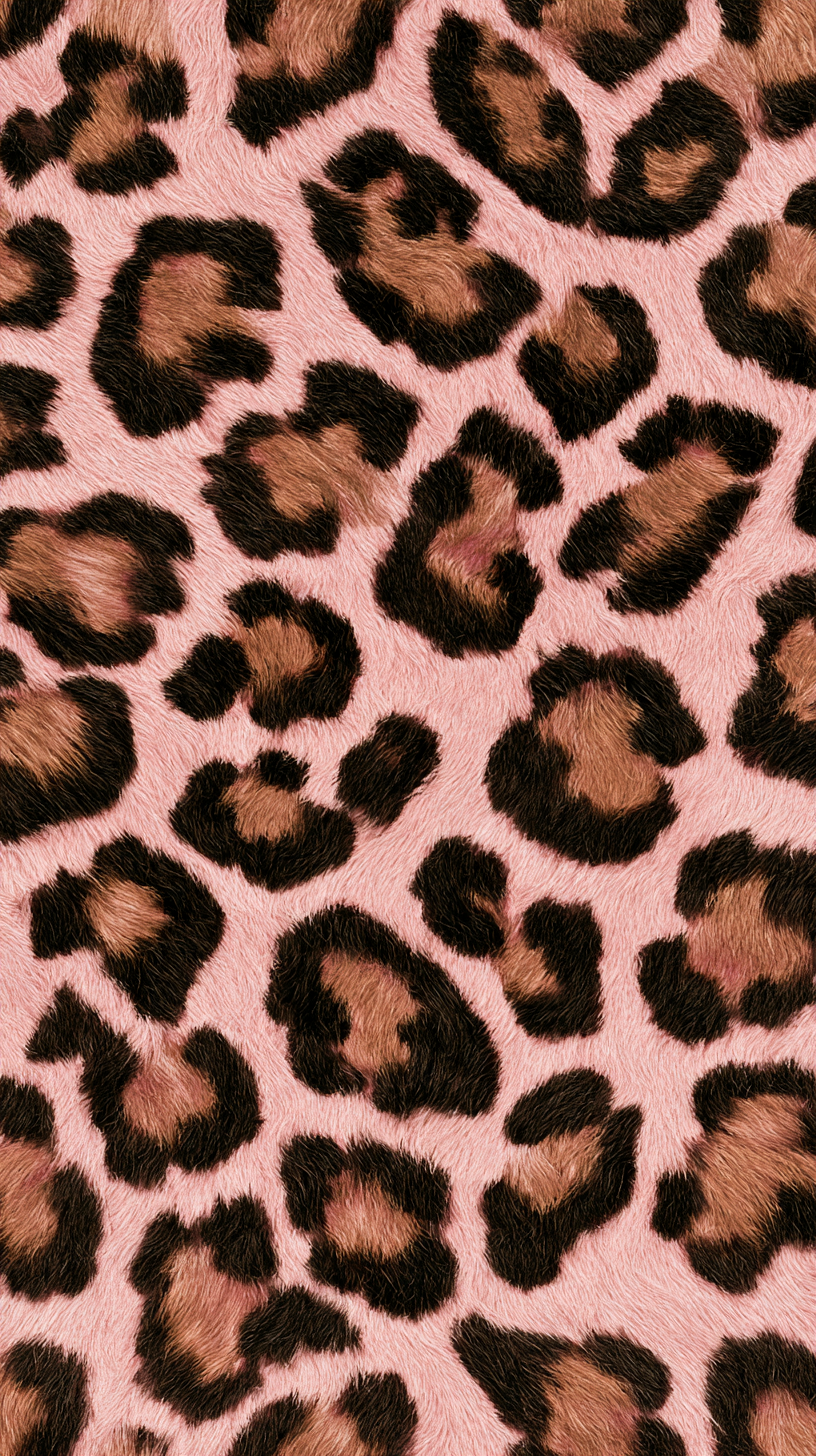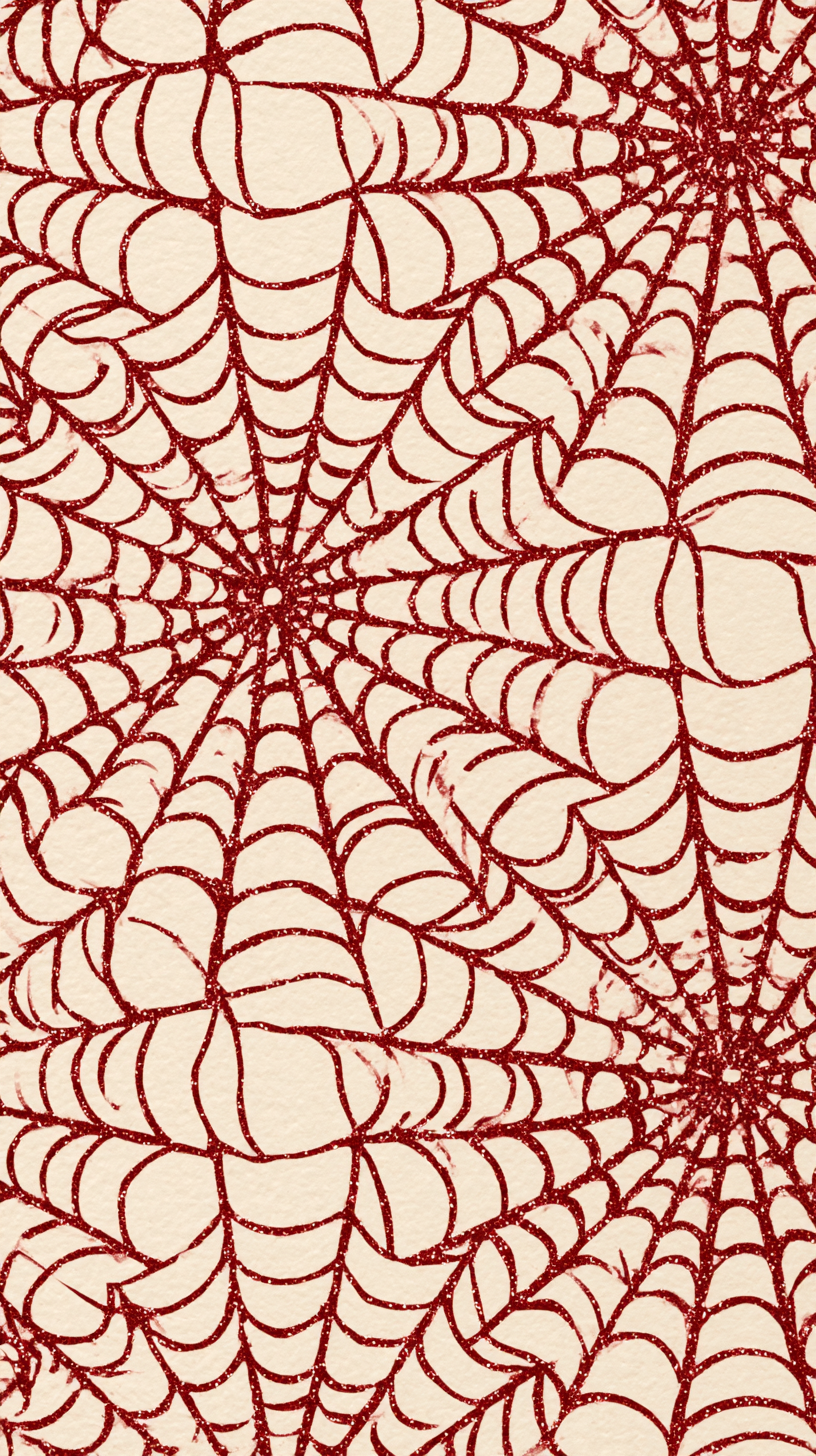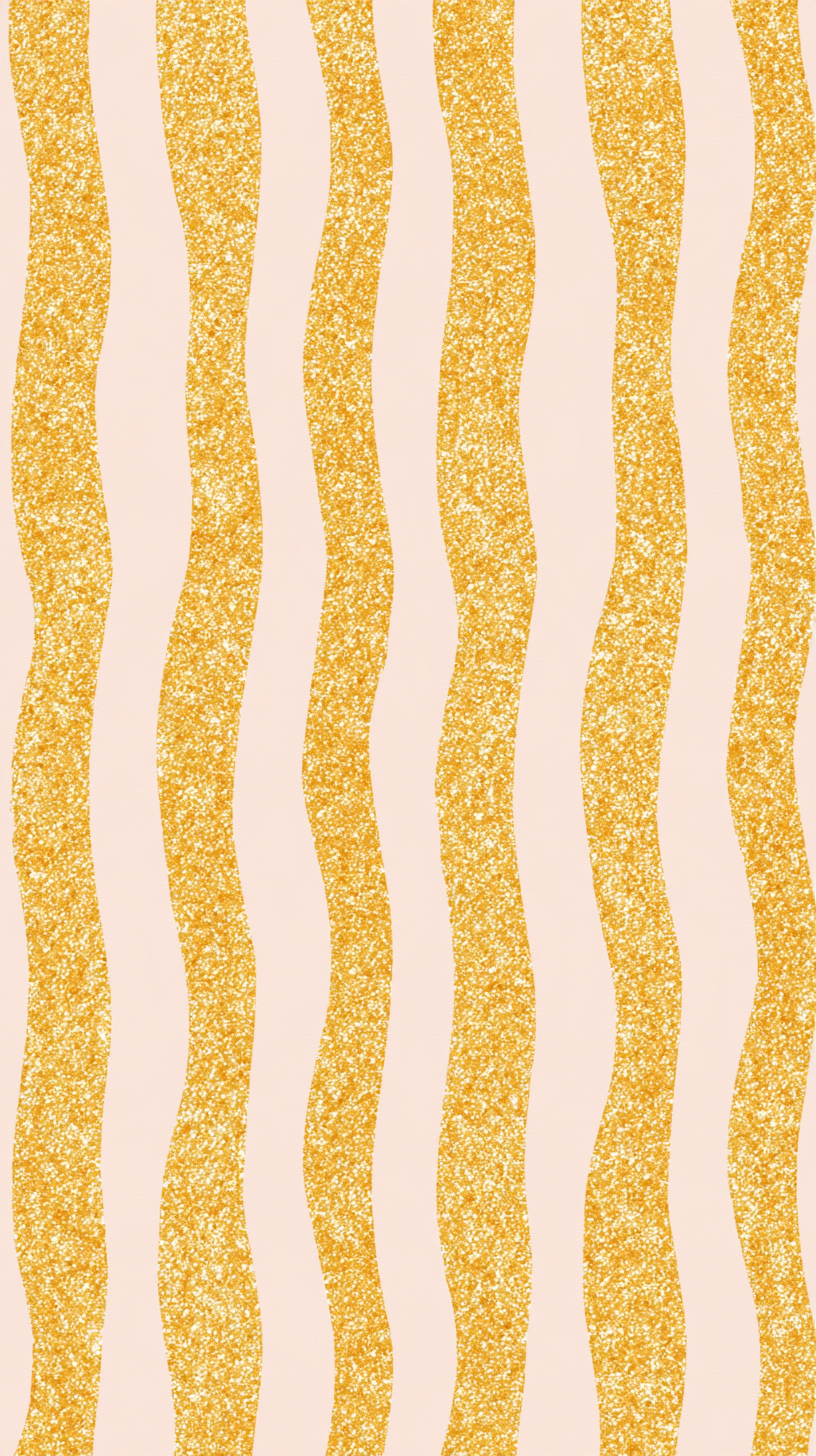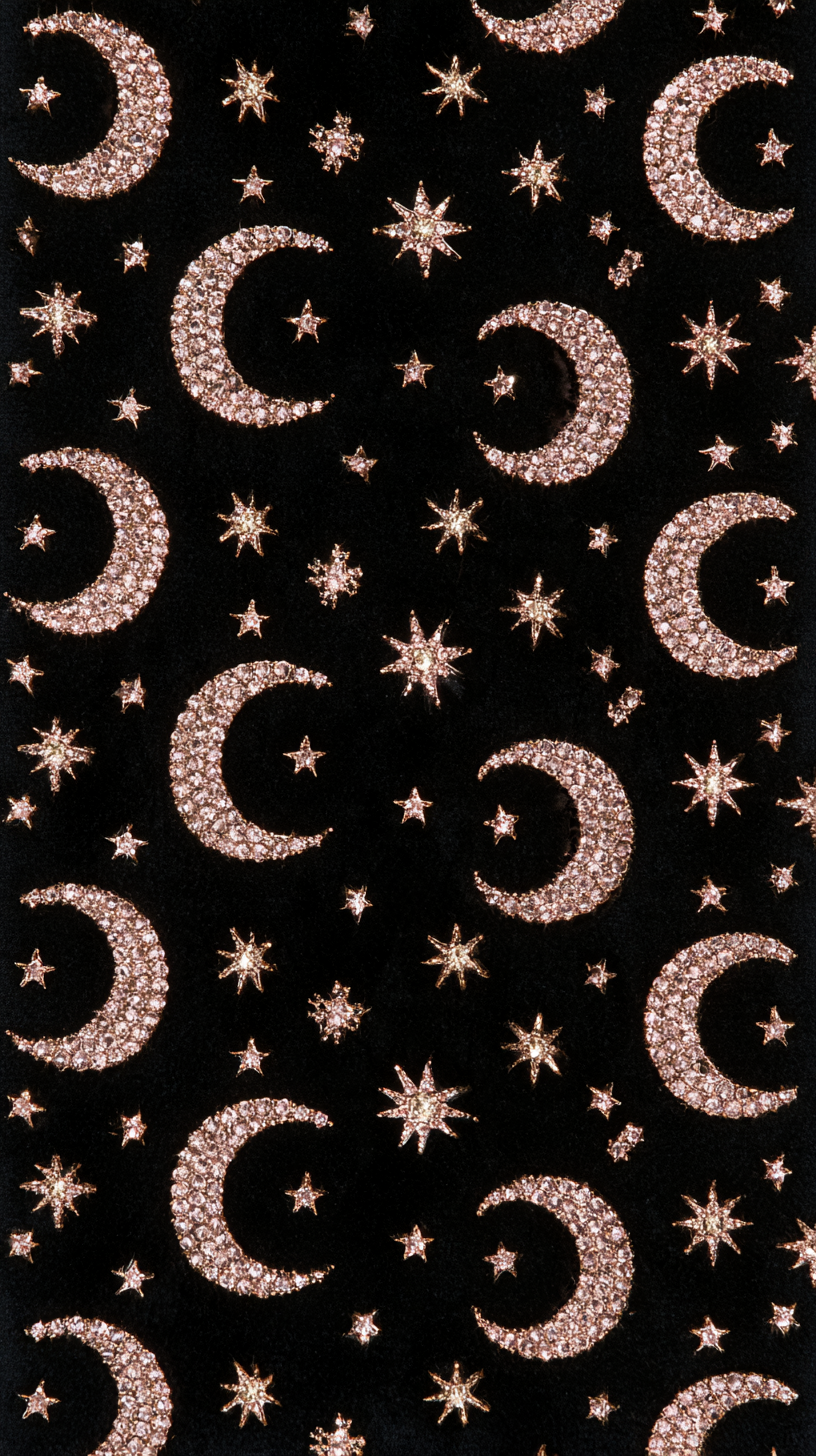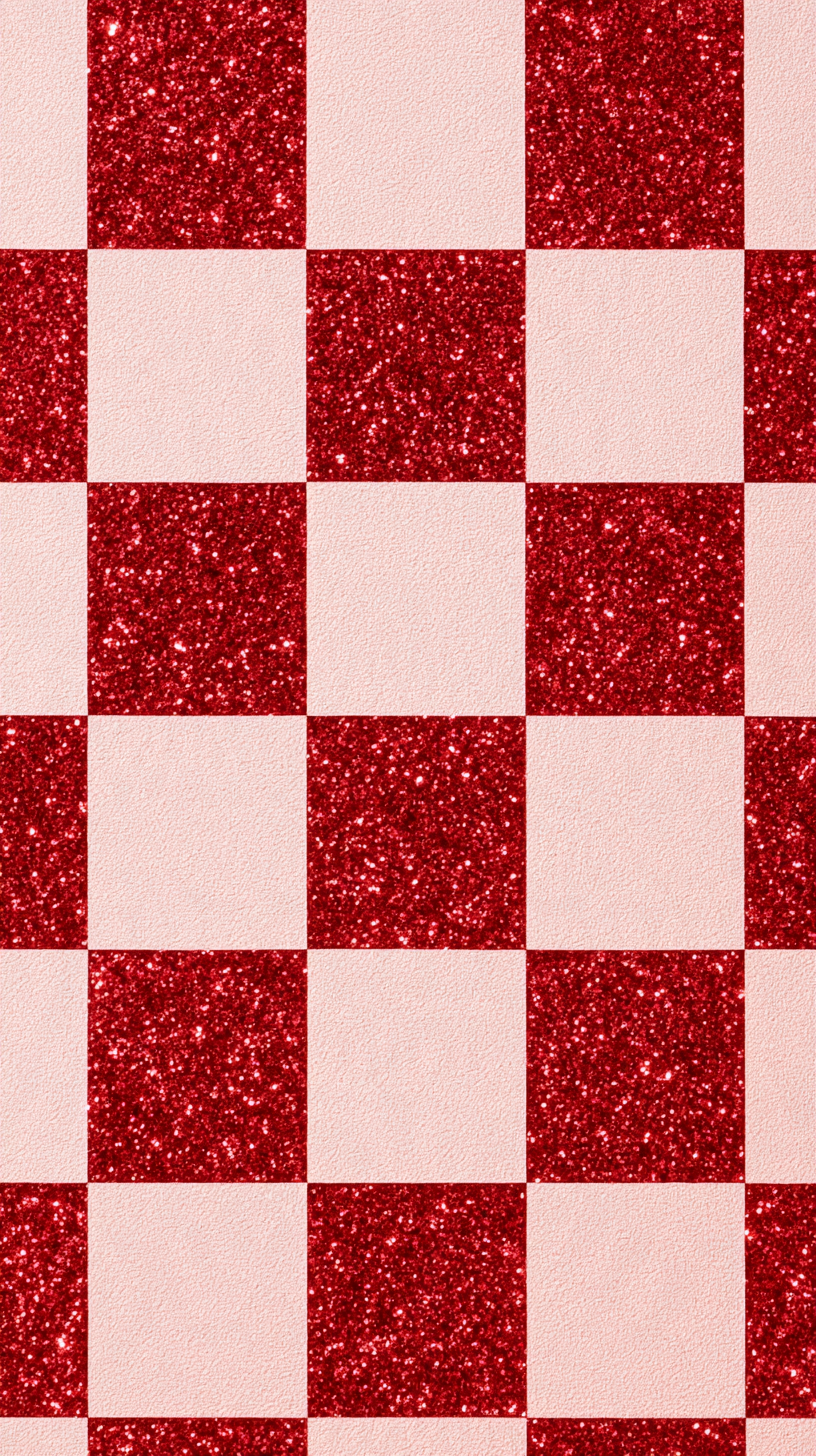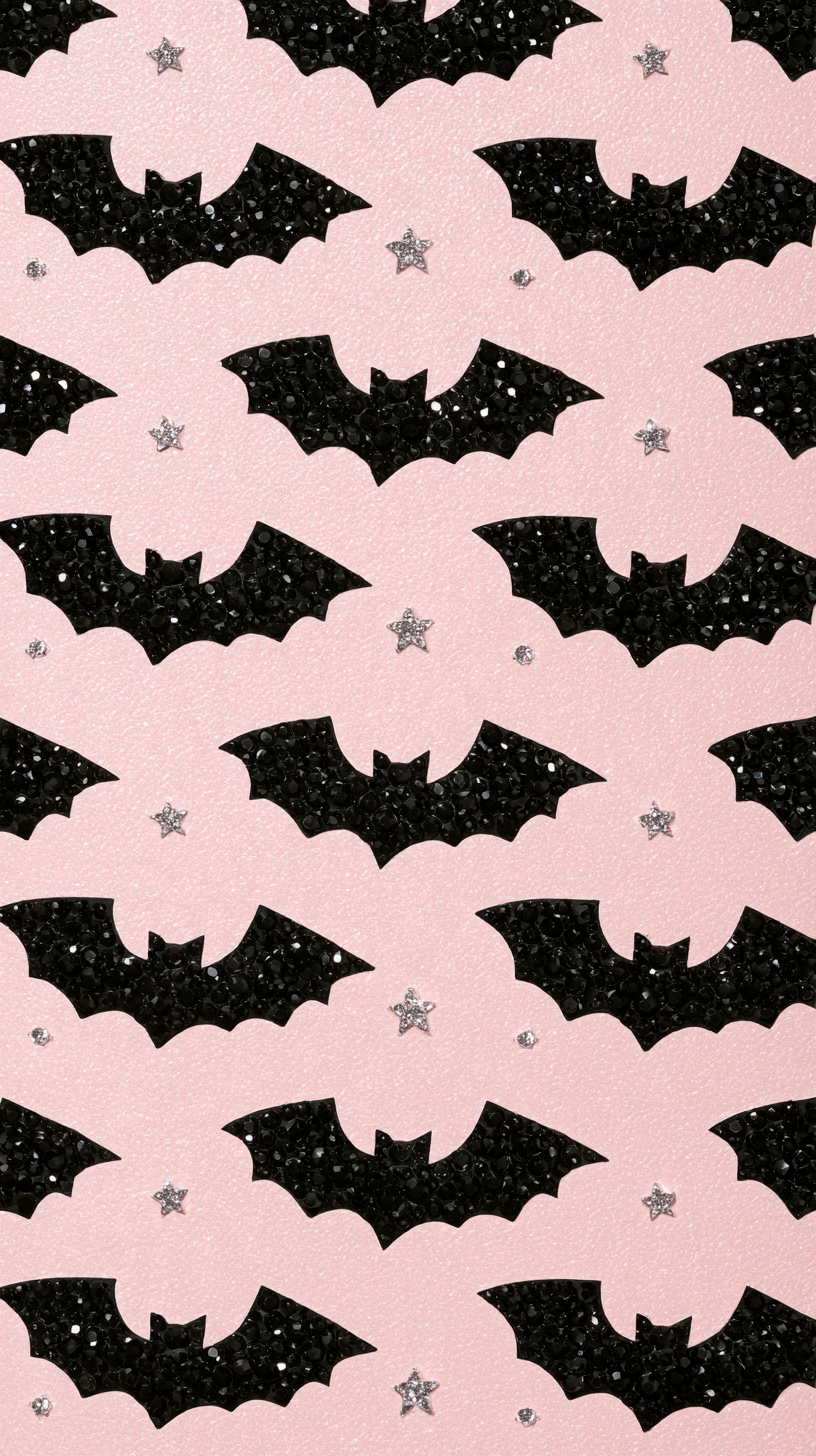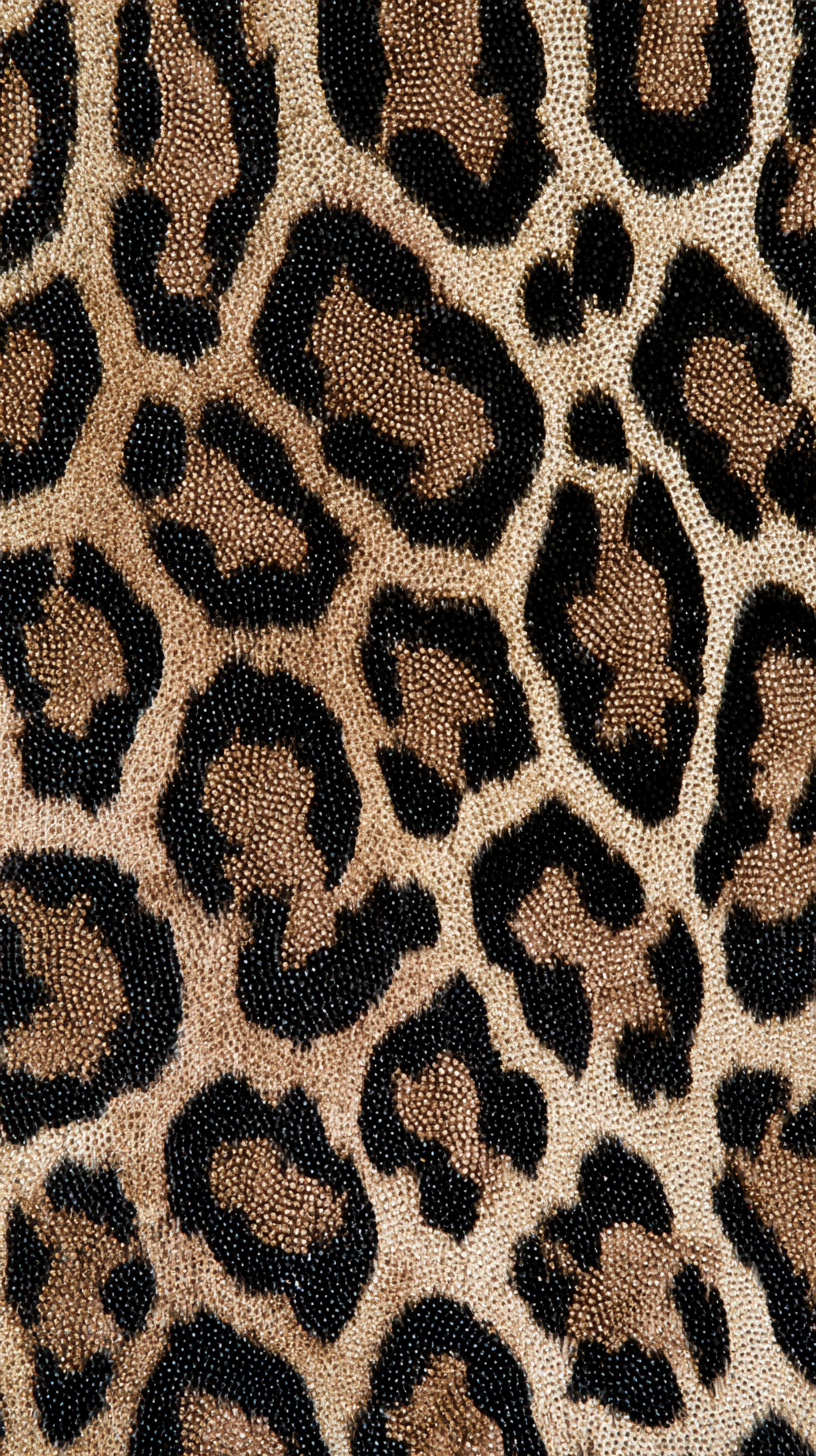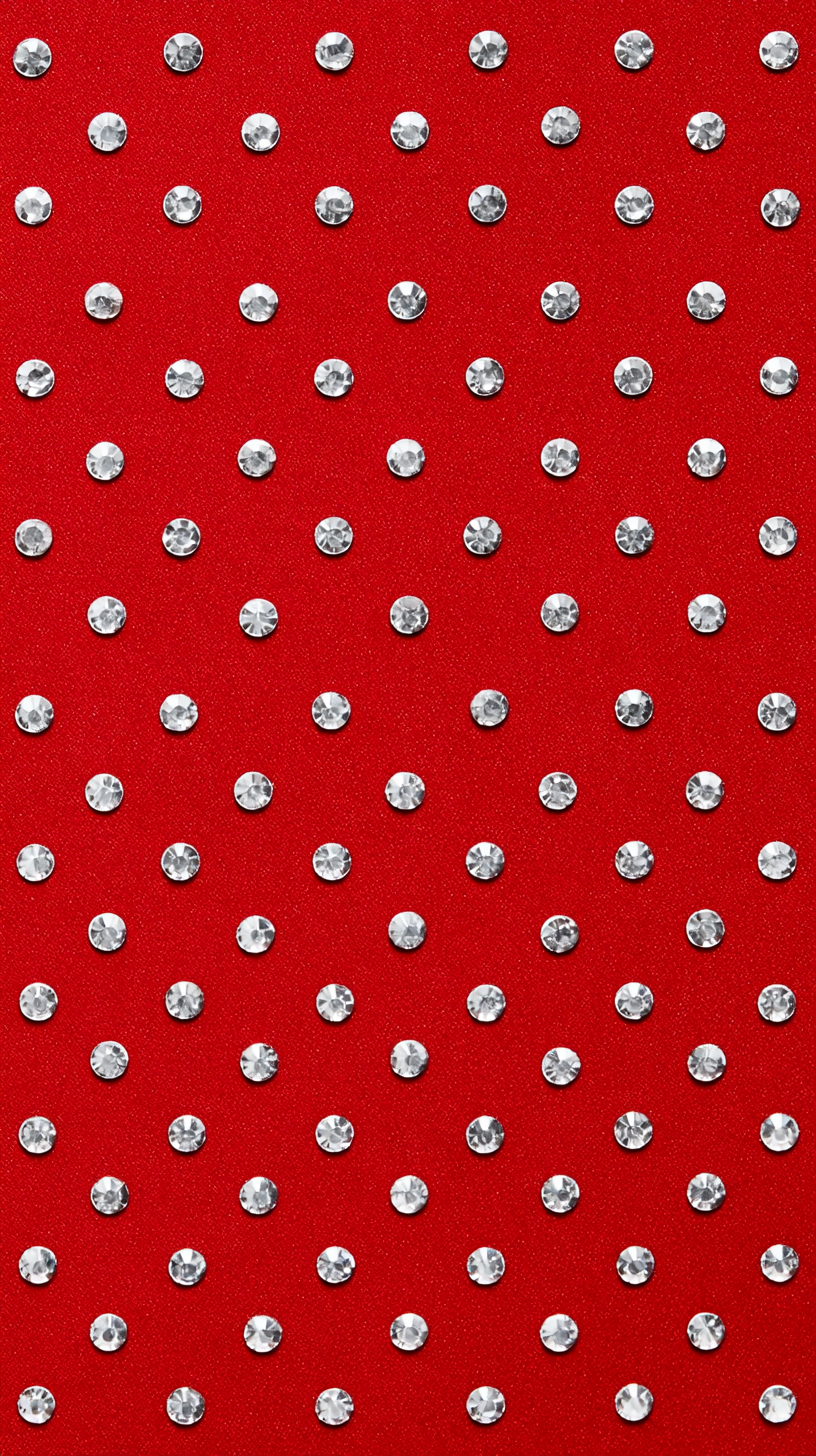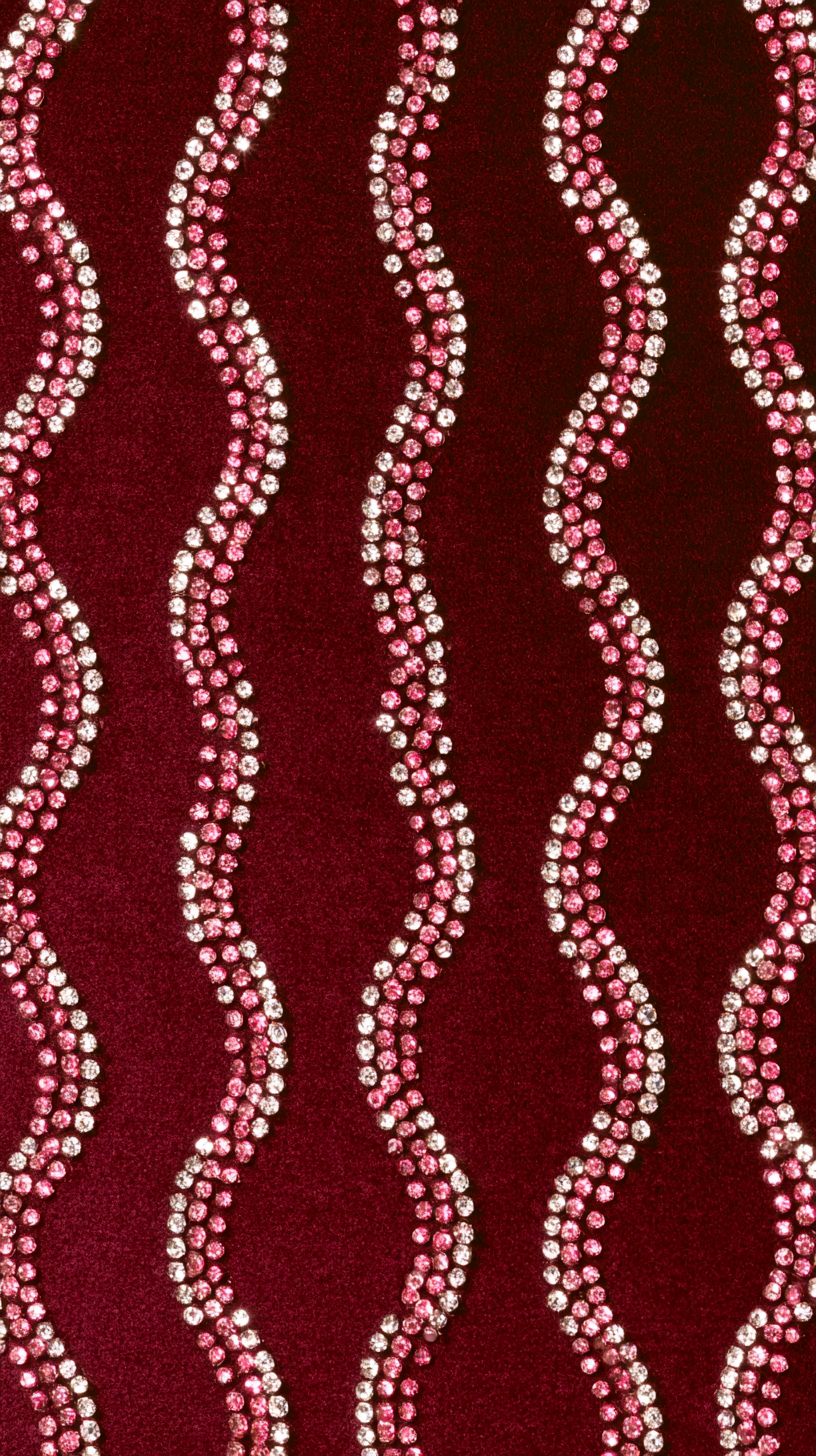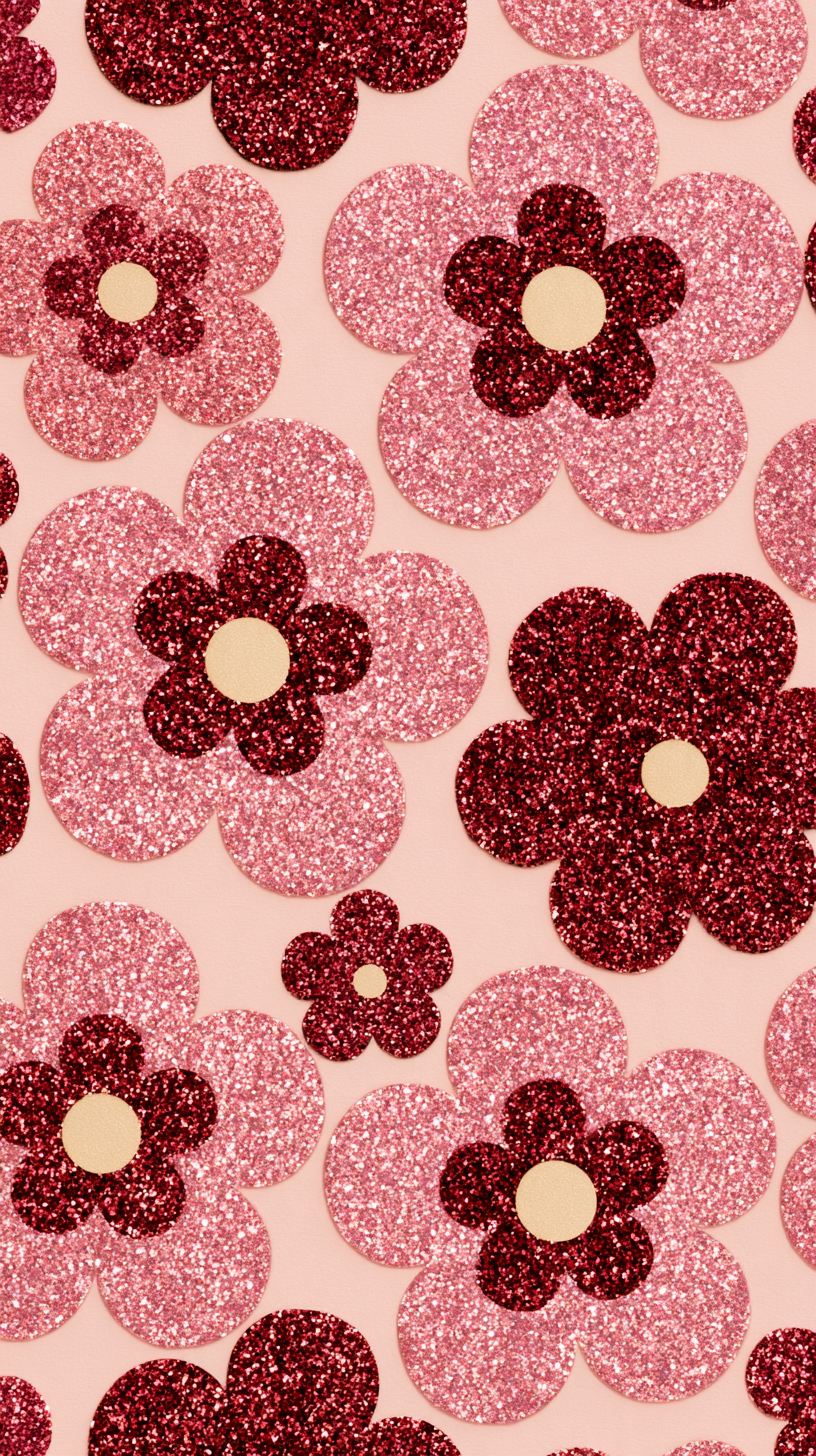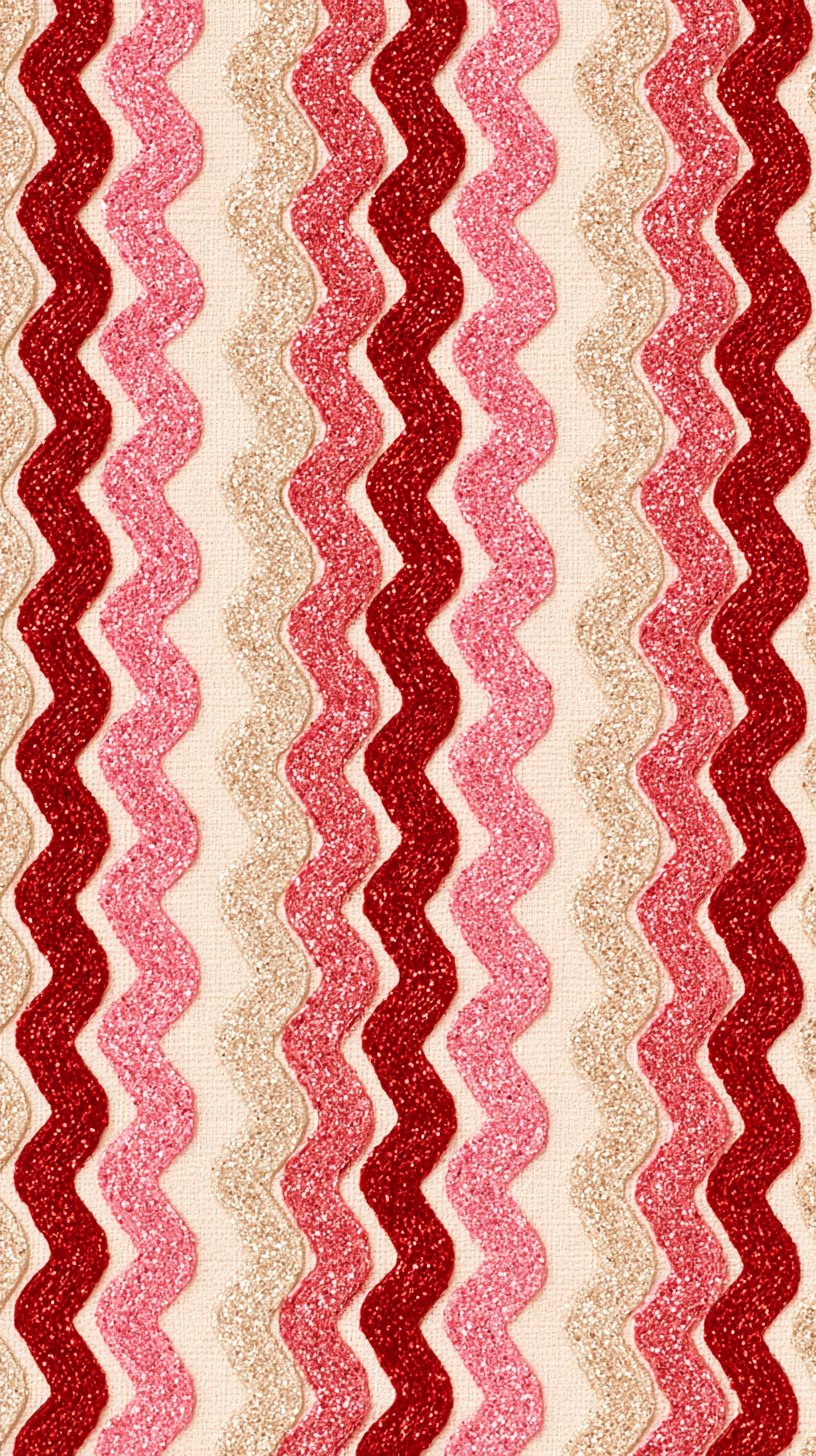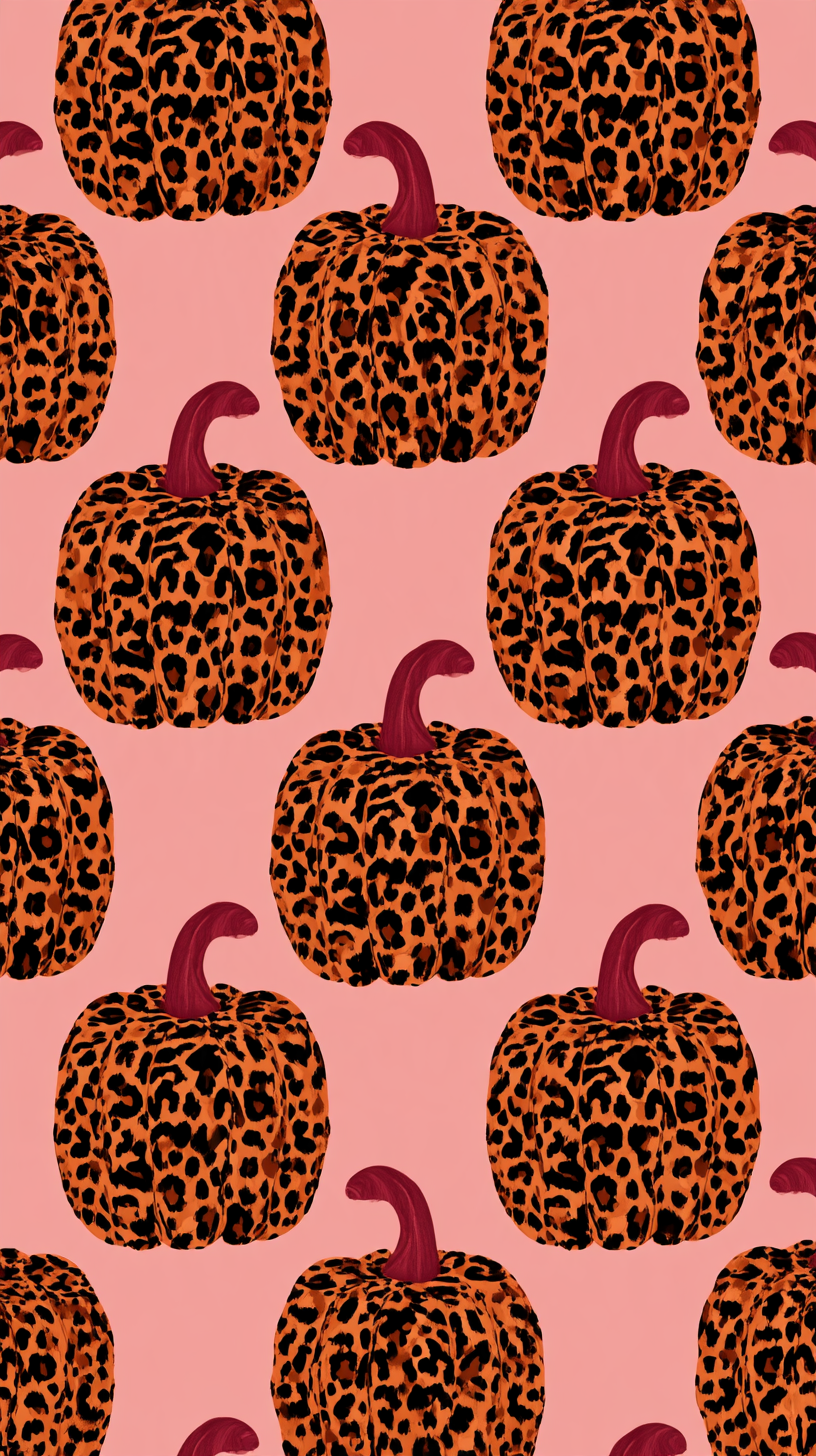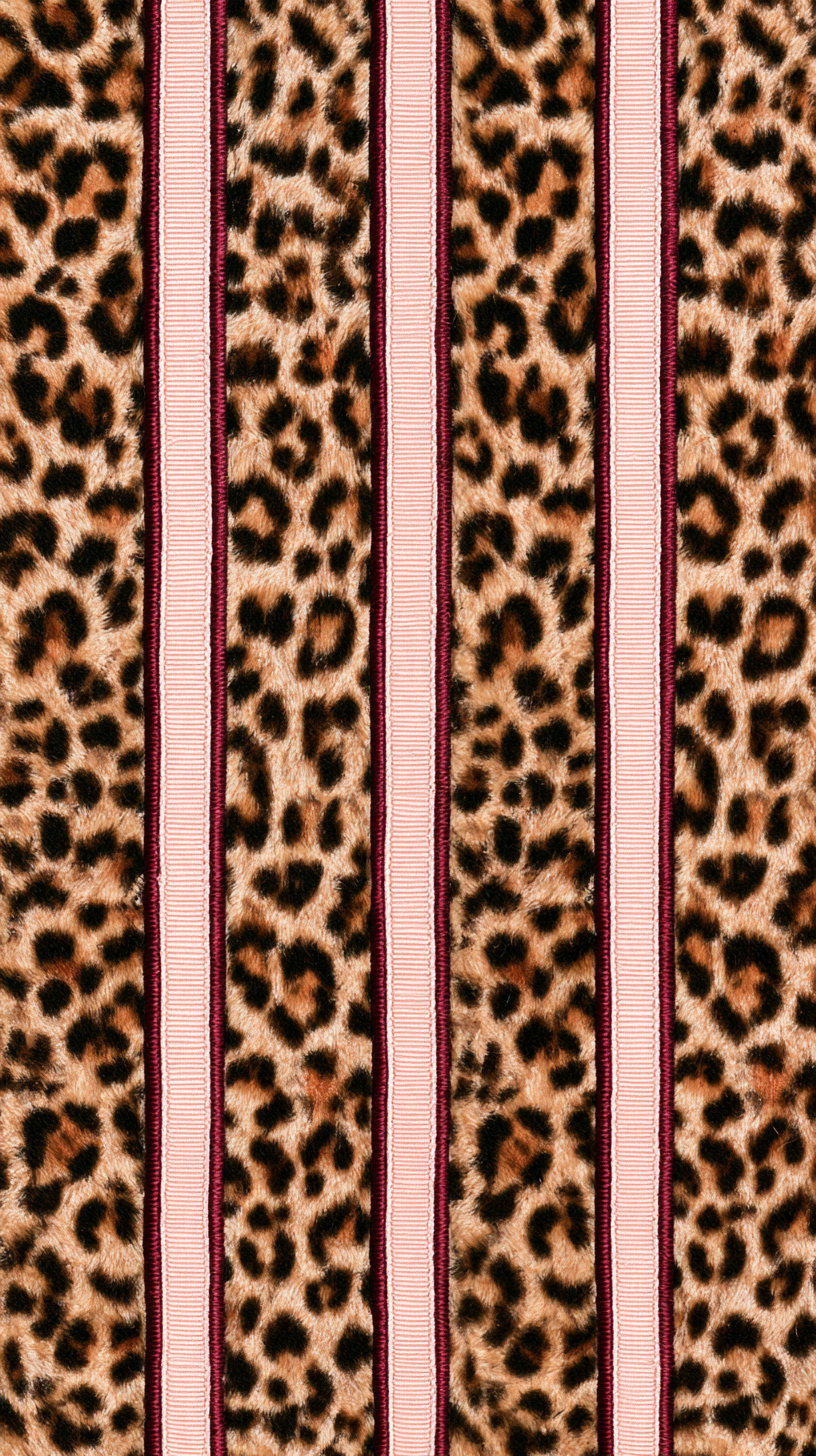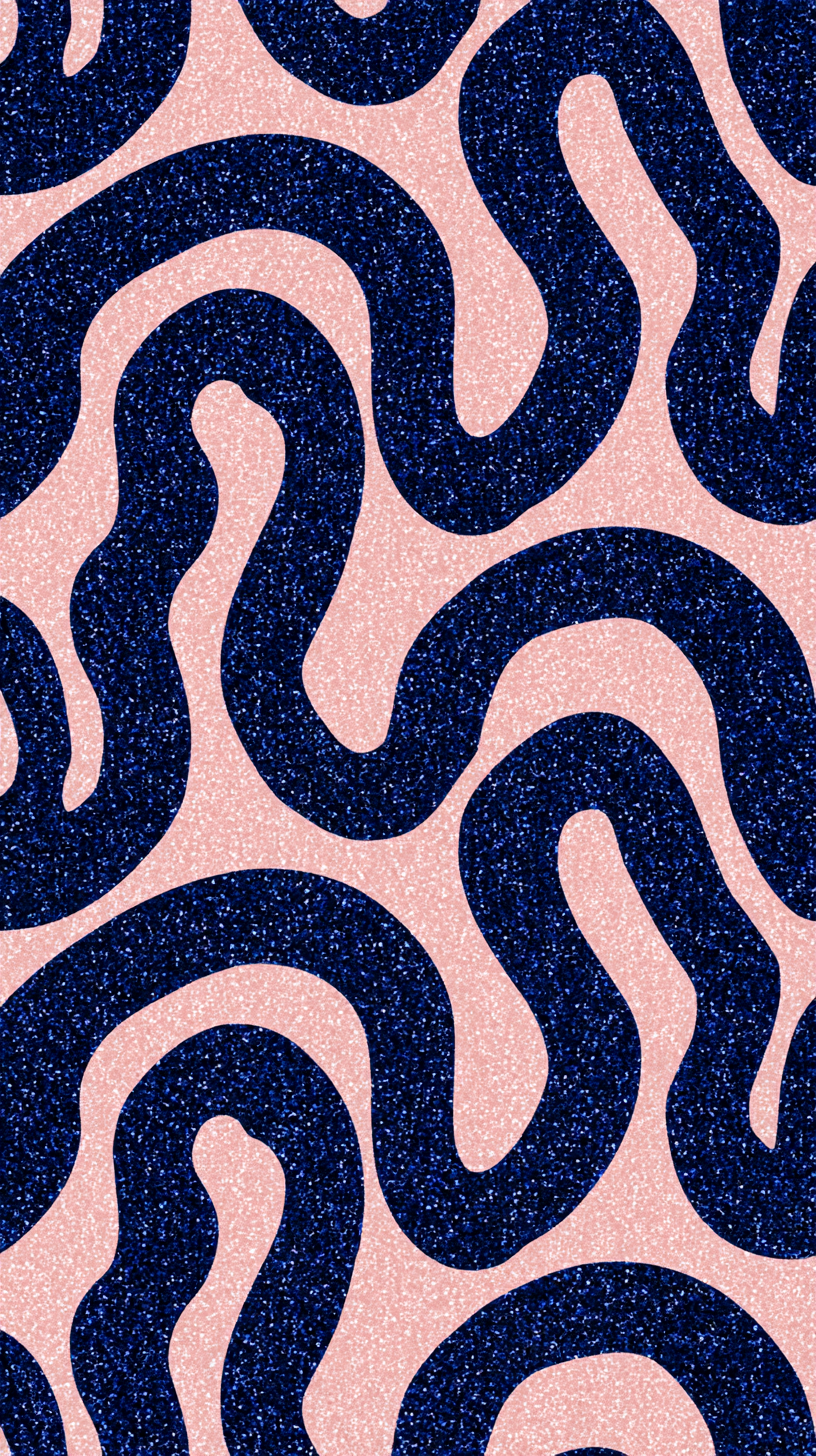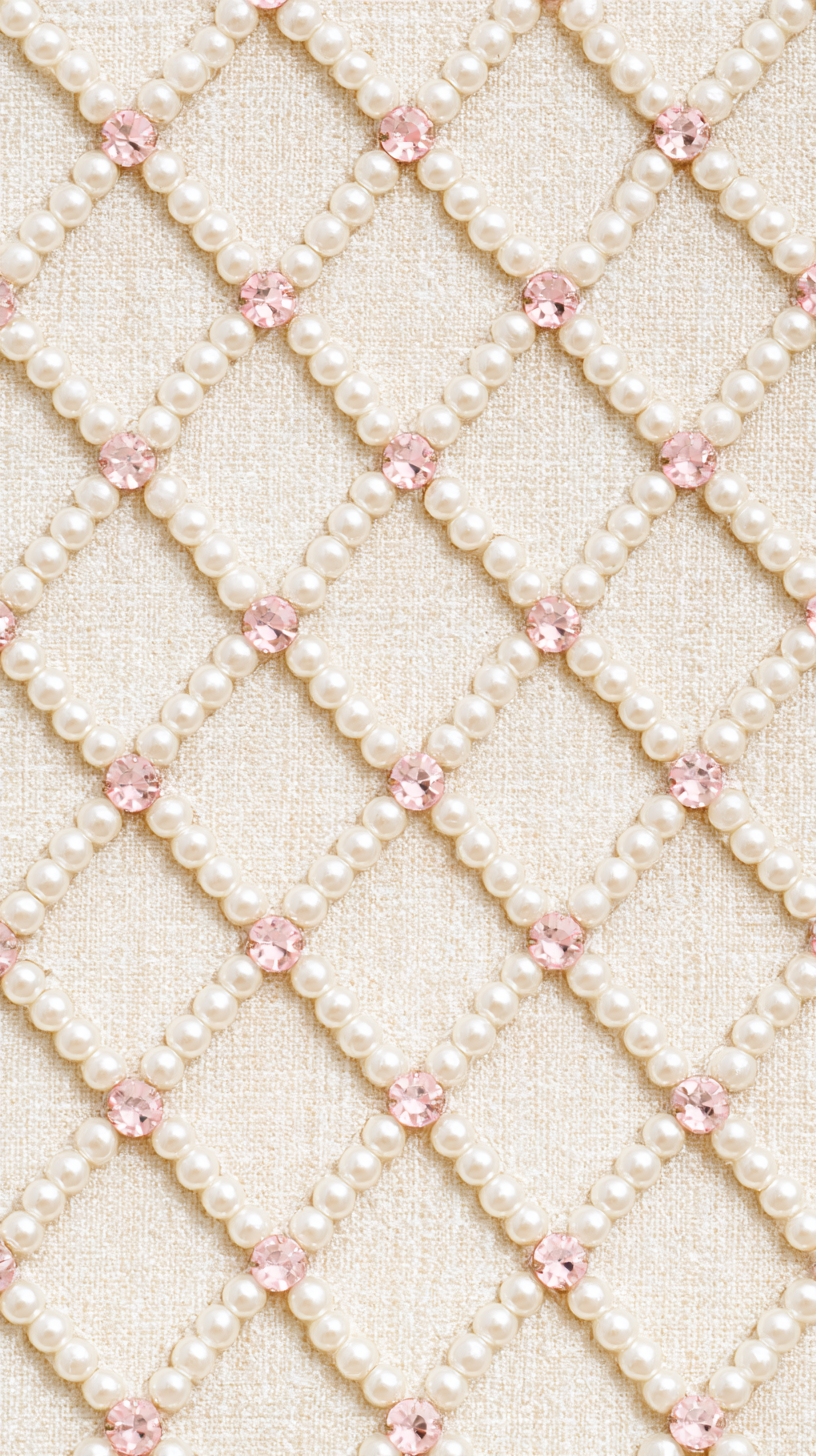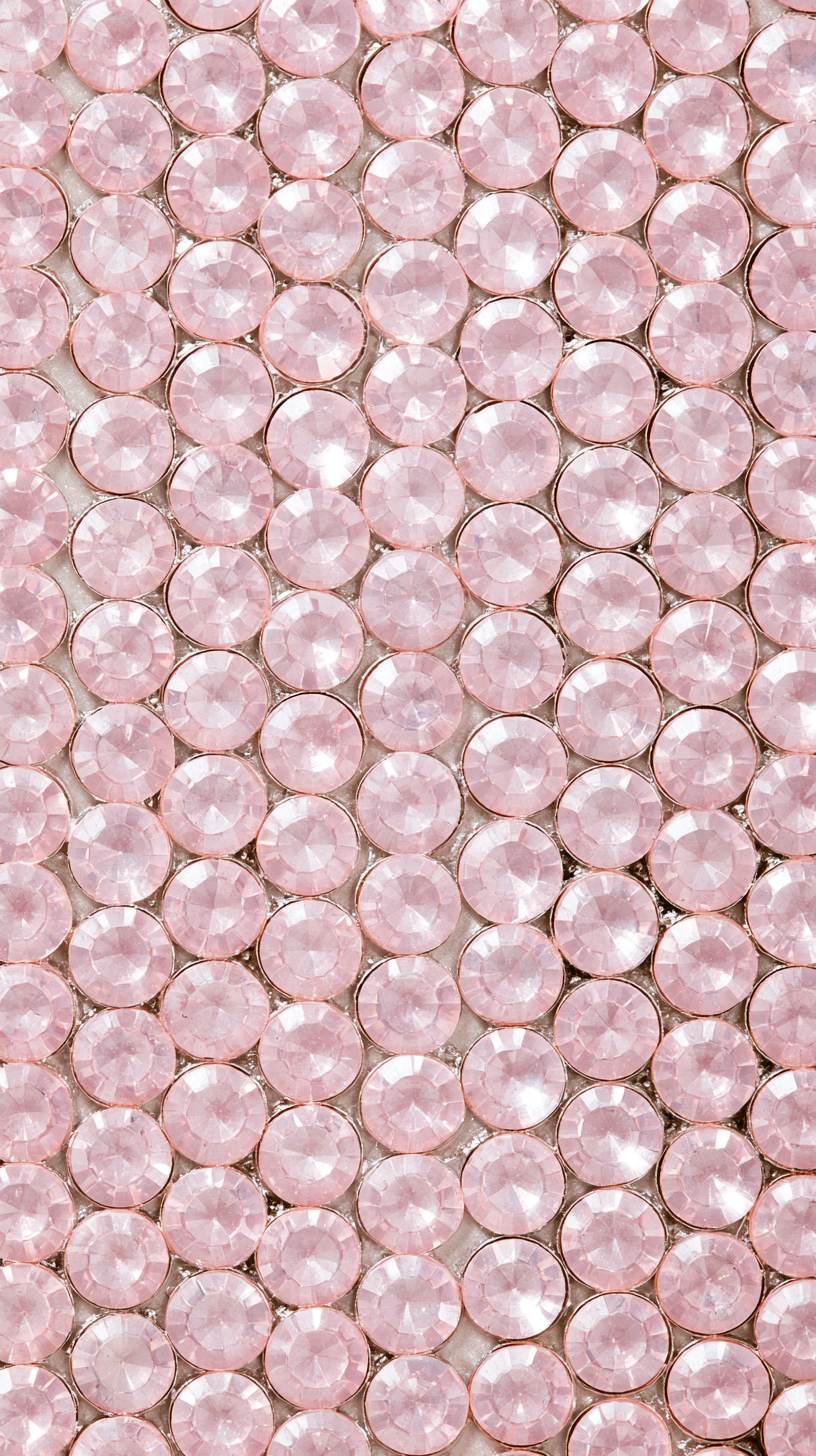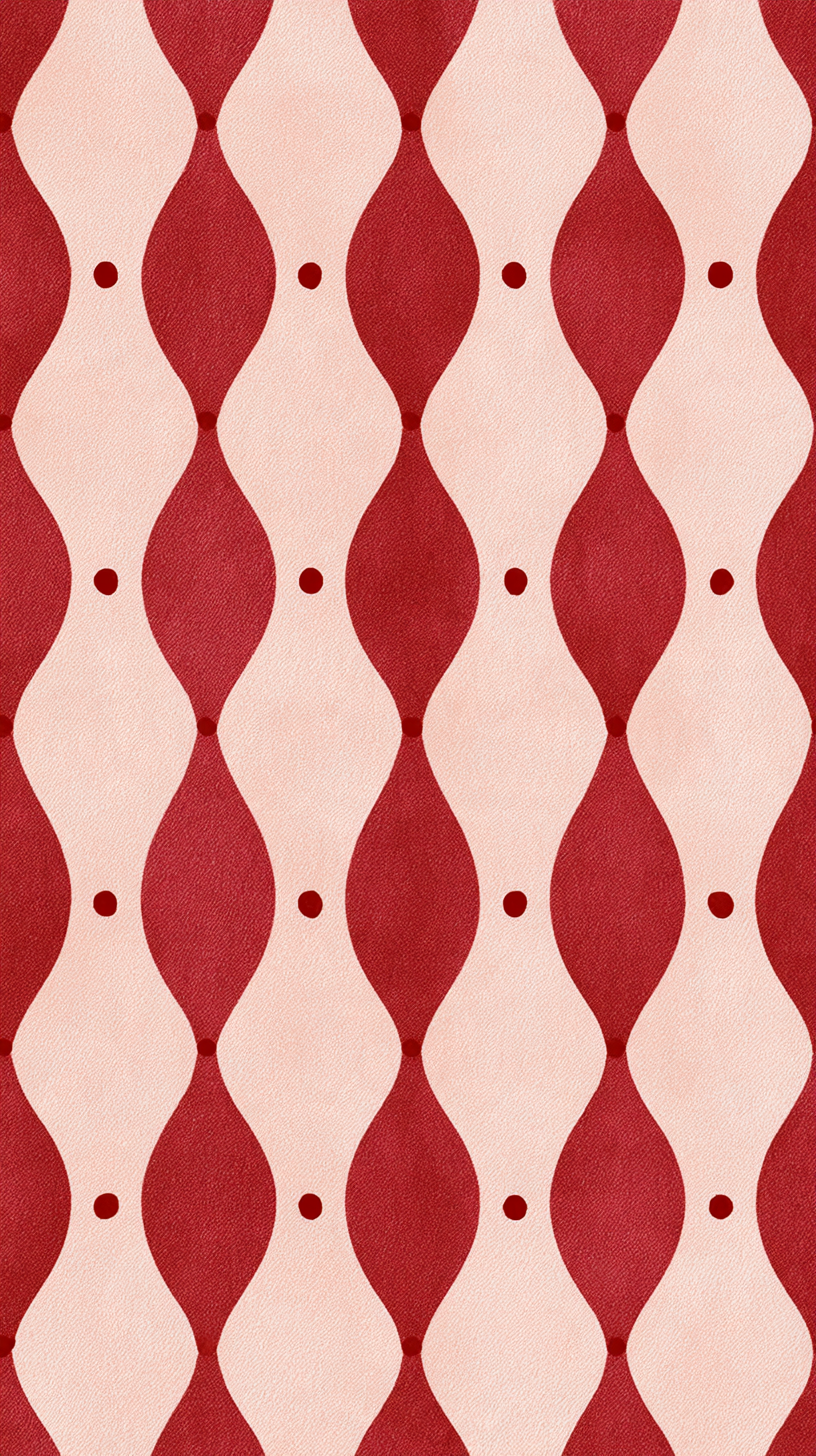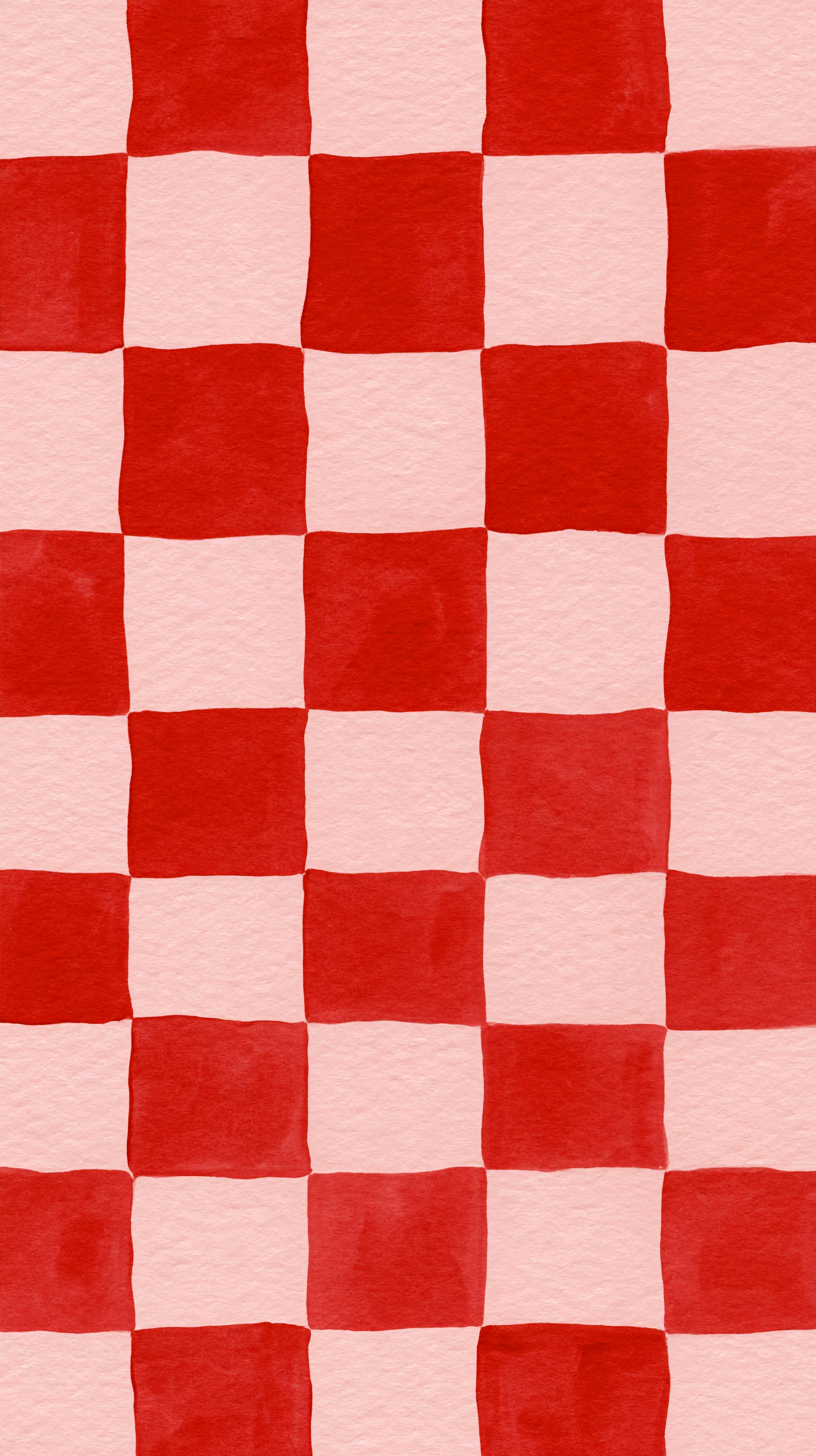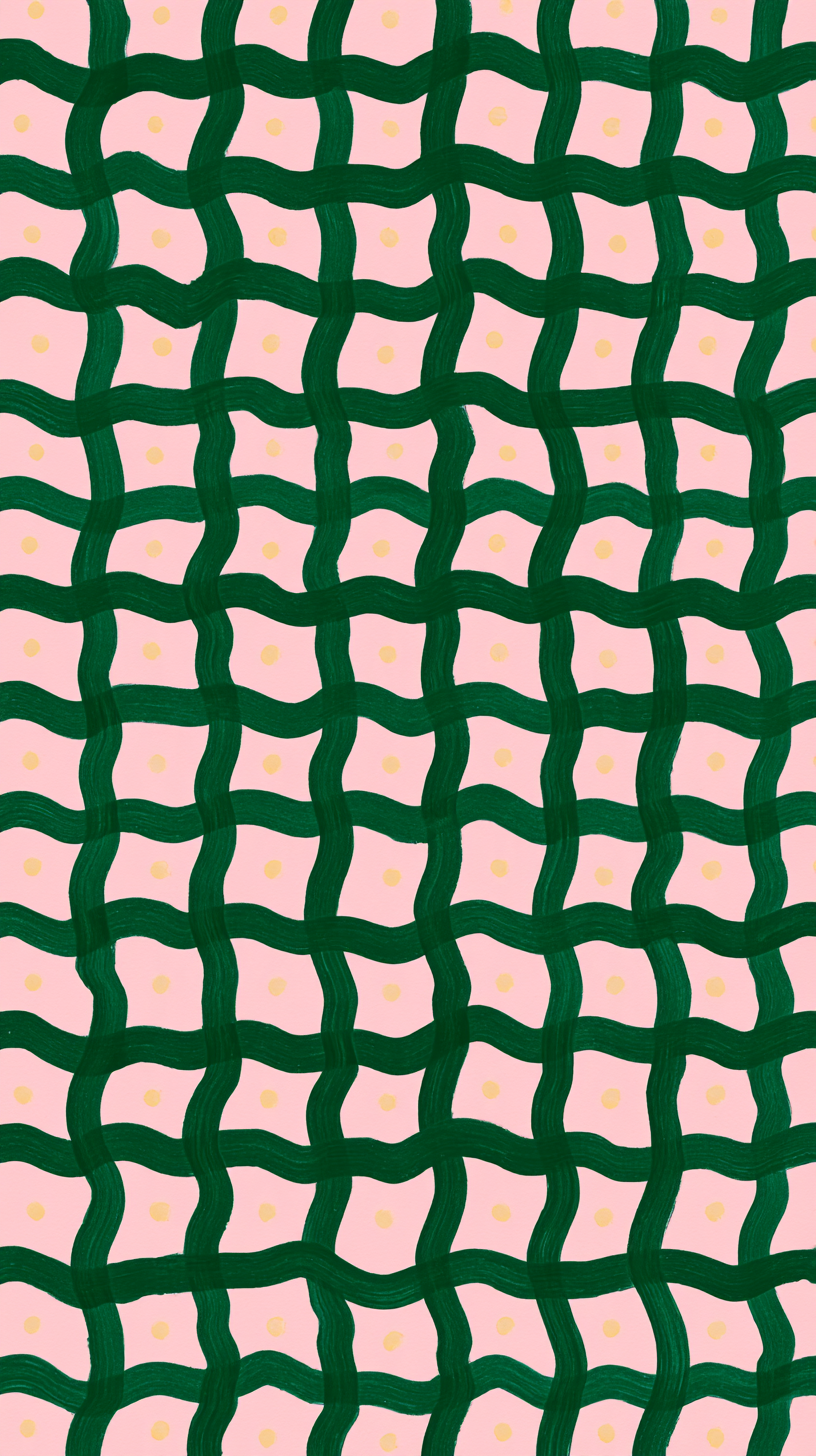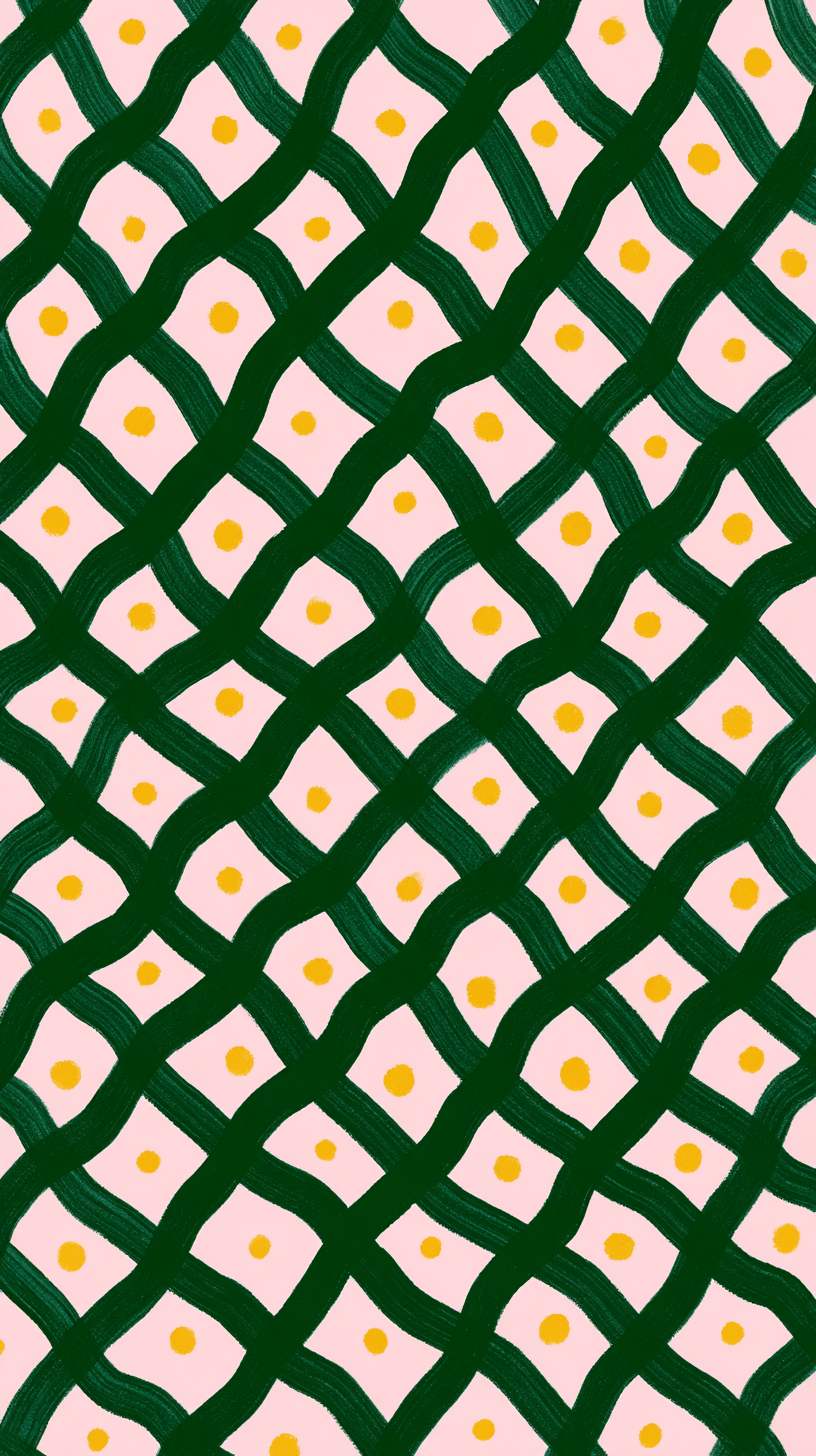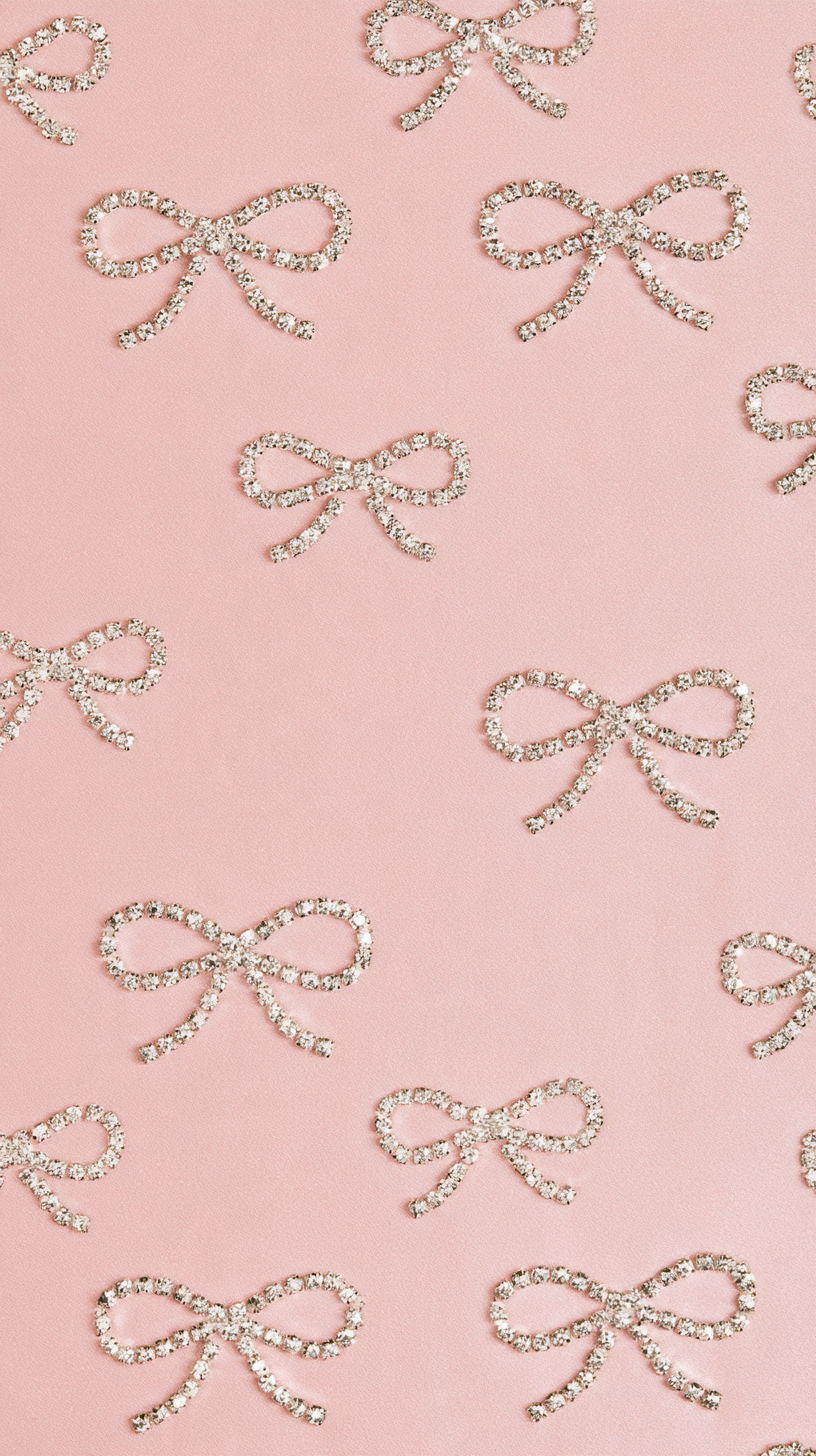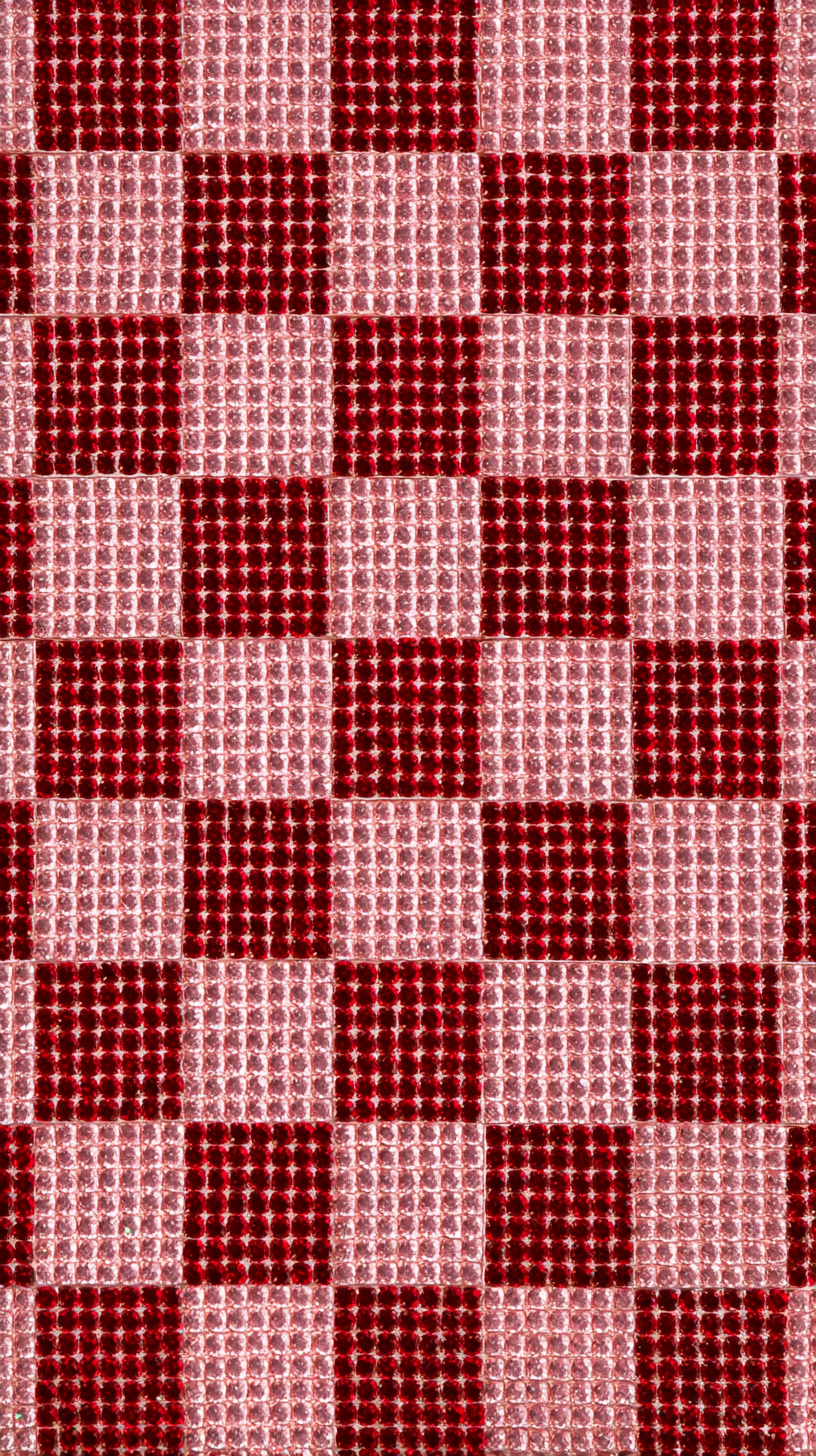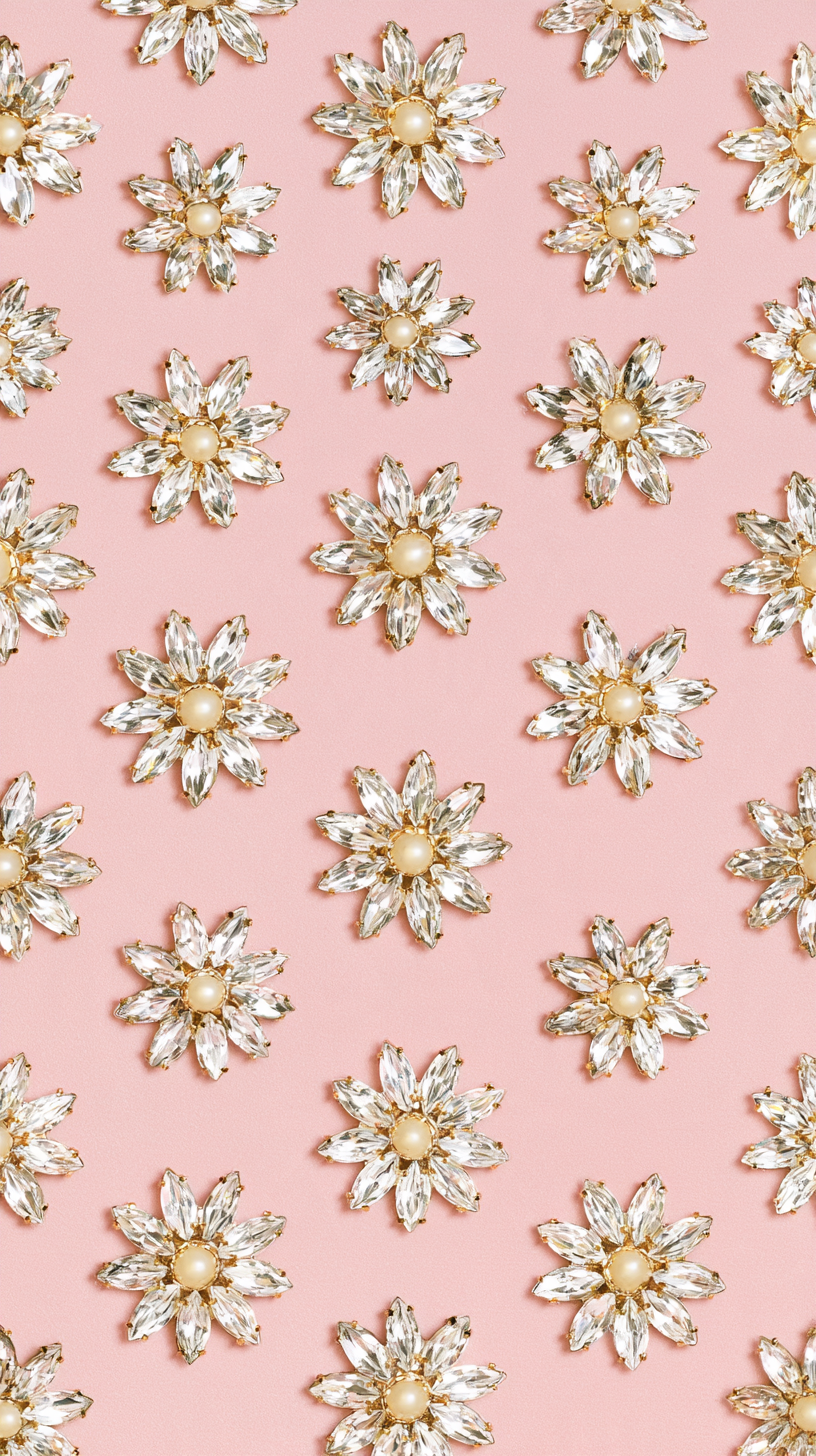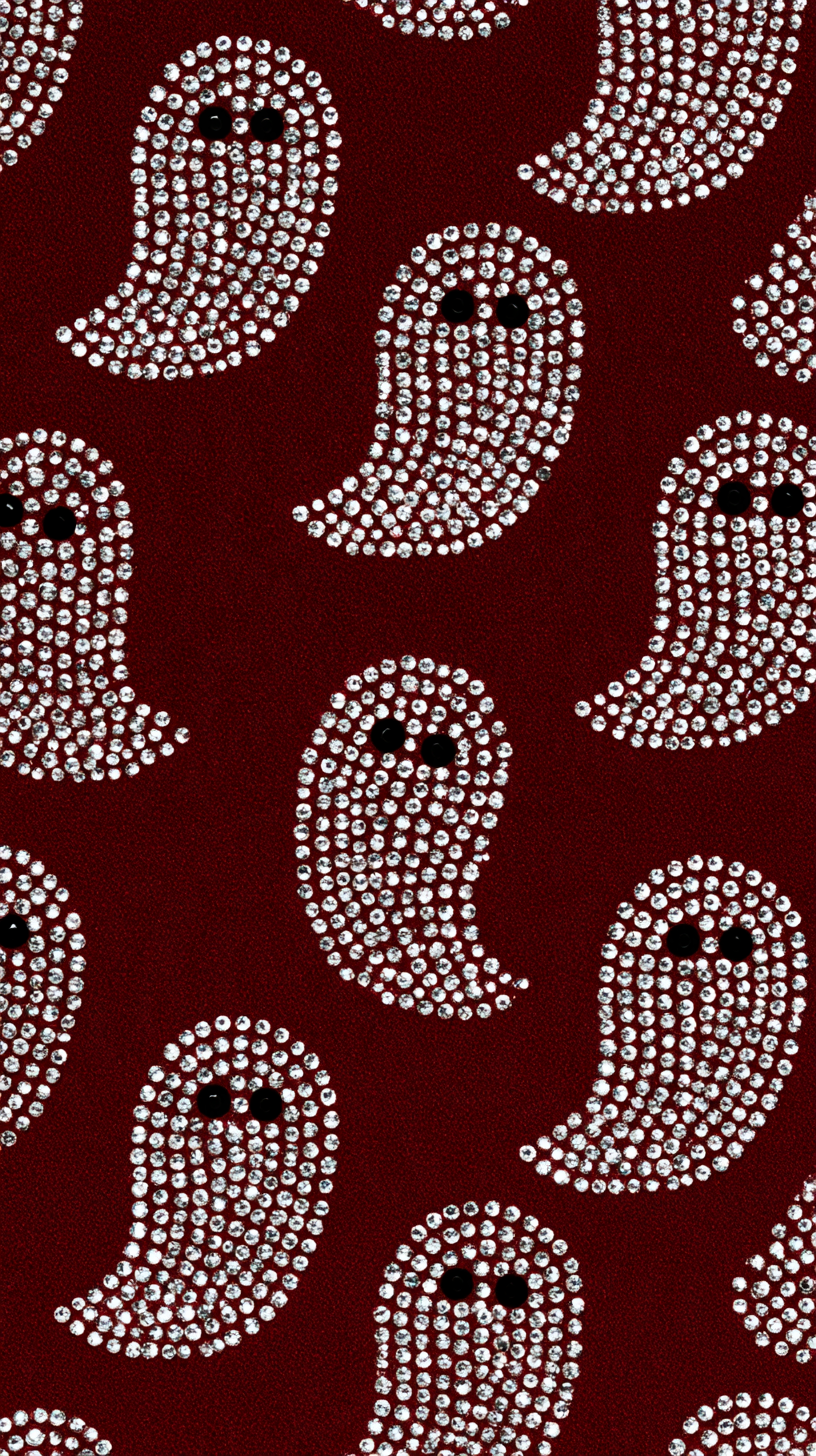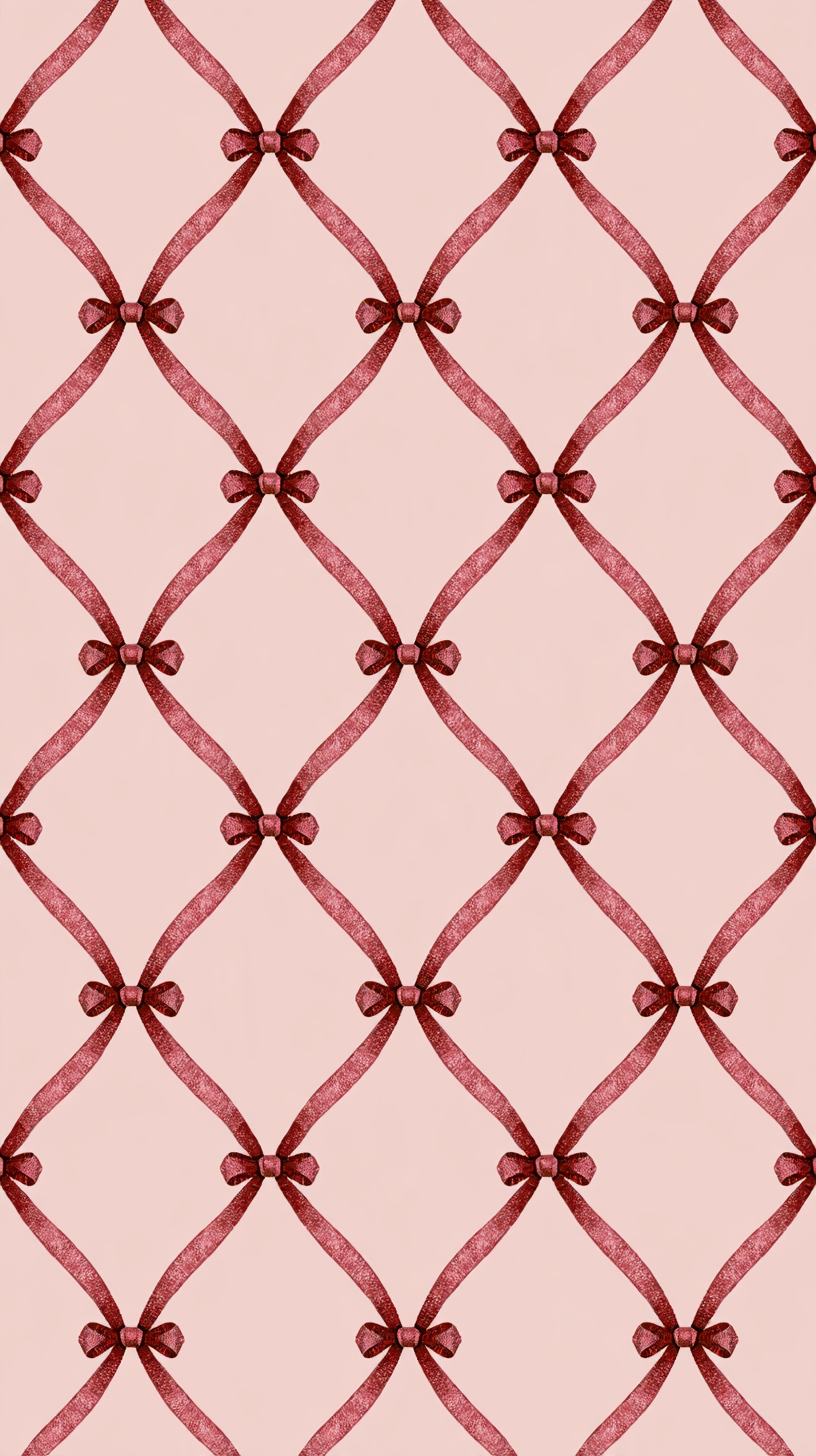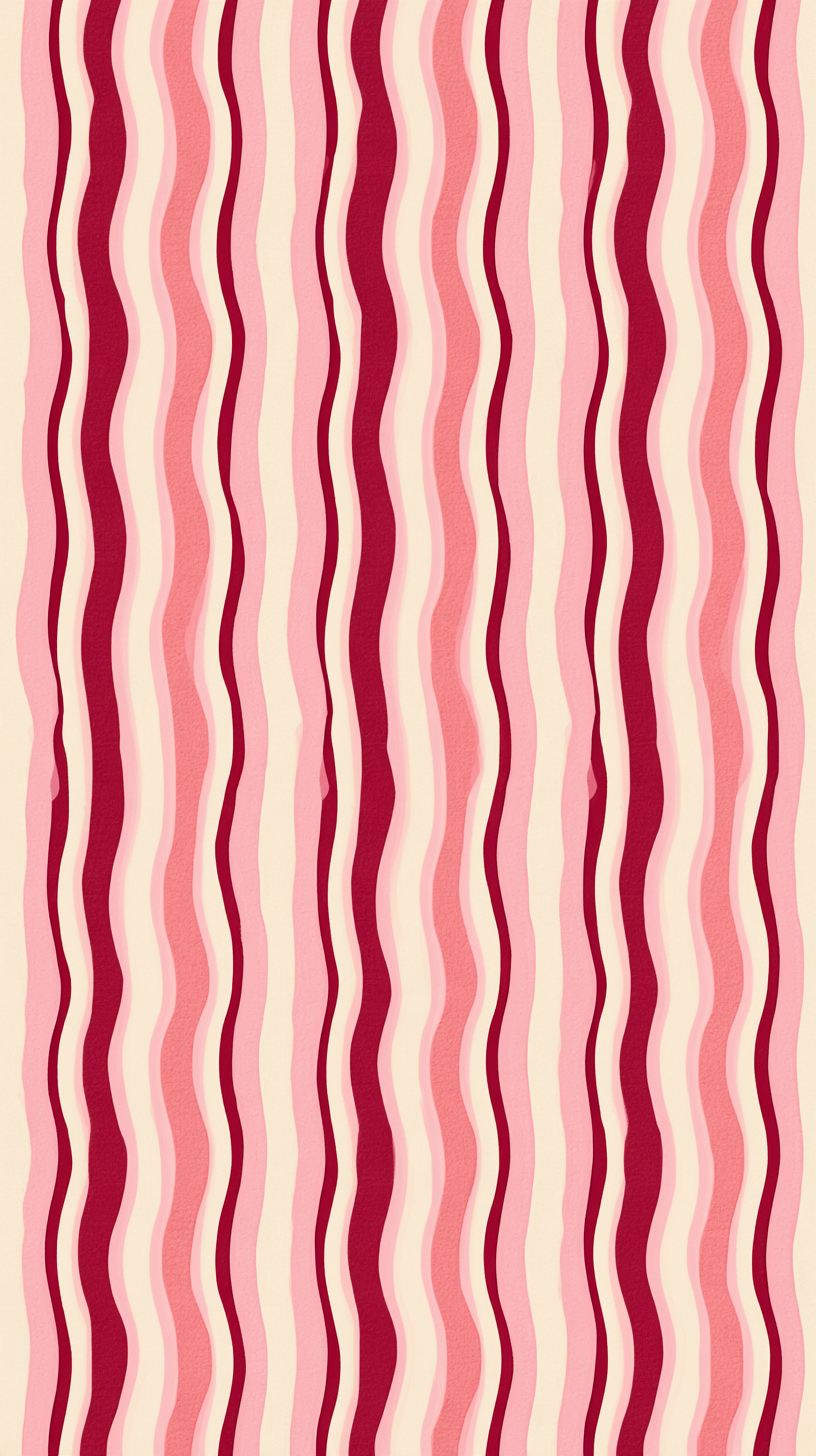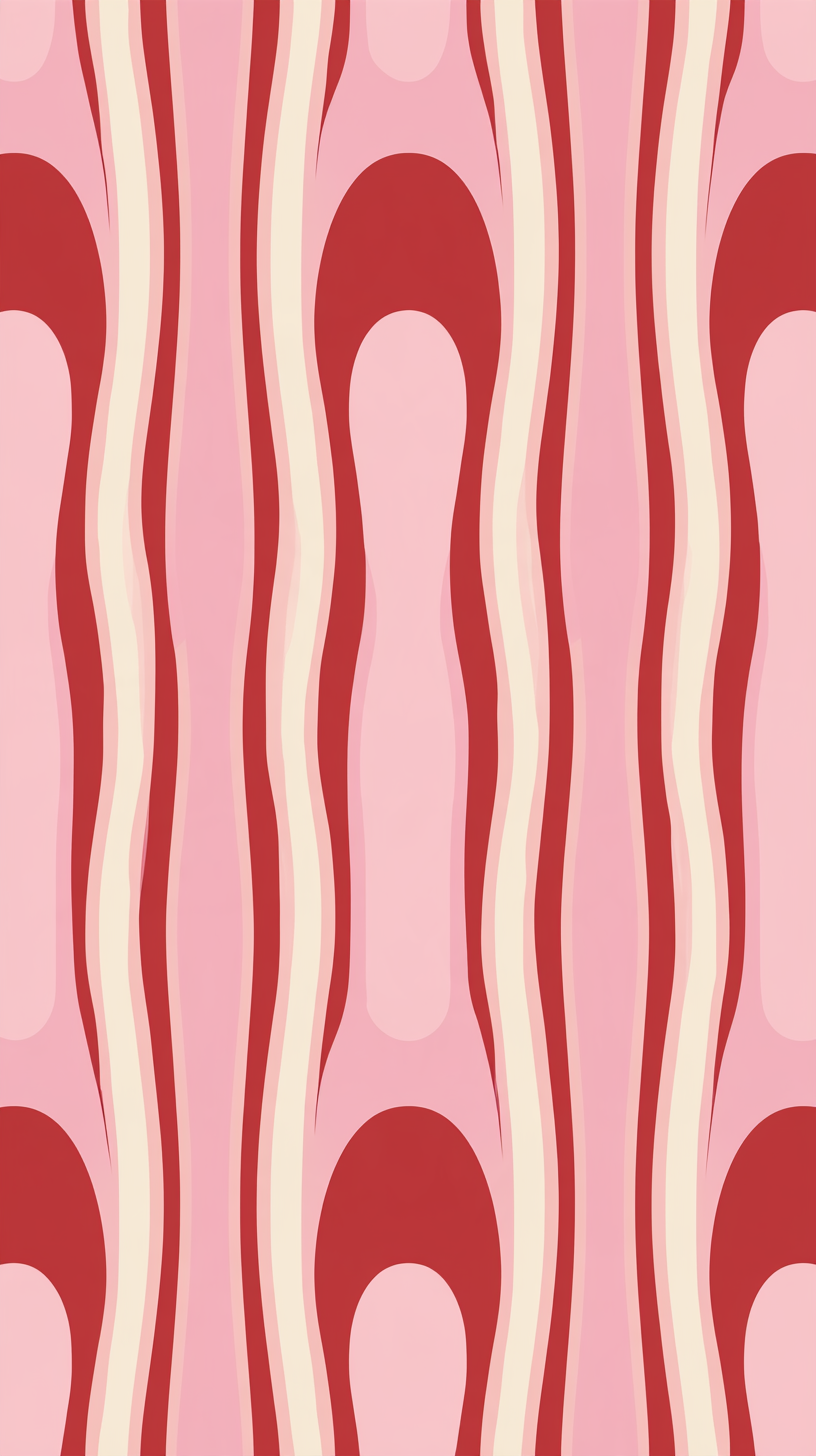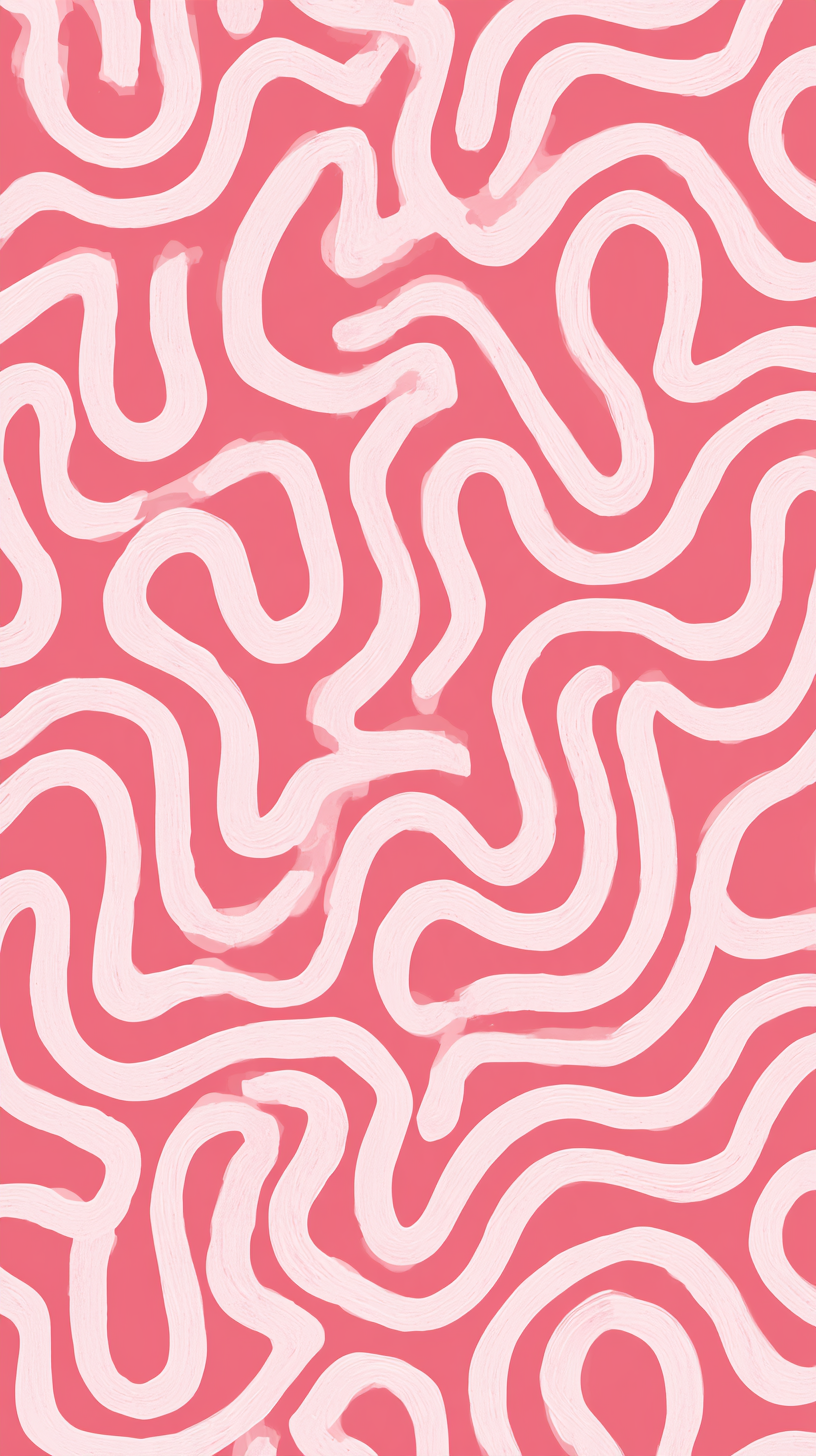

FREE DIGITAL DOWNLOADS
Phone wallpapers.
Free for personal use only. Not for resale or commercial use.
Choose a design and tap Download wallpaper to save the original image. If the original image opens instead of downloading, use your browser’s download or share menu to save it.
How to set your wallpaper & saving tips
iPhone
Save the image to Photos. If it downloads to Files, open it there, tap Share, then Save Image. Go to Settings → Wallpaper → Add New Wallpaper → Photos, and select your design. Adjust its position, tap Add, then choose your Lock Screen and Home Screen options. Apple’s wallpaper guide ↗
Android
Find the downloaded image in Downloads, Photos or your Gallery. Open your phone’s wallpaper settings, choose an image from your photos, and select the design. Adjust the crop and apply it to your Home Screen, Lock Screen or both. Menu names vary by phone.
Need help saving?
Tap “Open original” below a design, then use your browser’s download or share menu to save the image. If you’re browsing inside Instagram, Facebook or Pinterest, open this page in Safari or Chrome and try again. Save the original image for the best quality; screenshots may include page content and reduce detail.